X-RTC: Make the OG Xbox remember the current date
Microsoft before Microslop
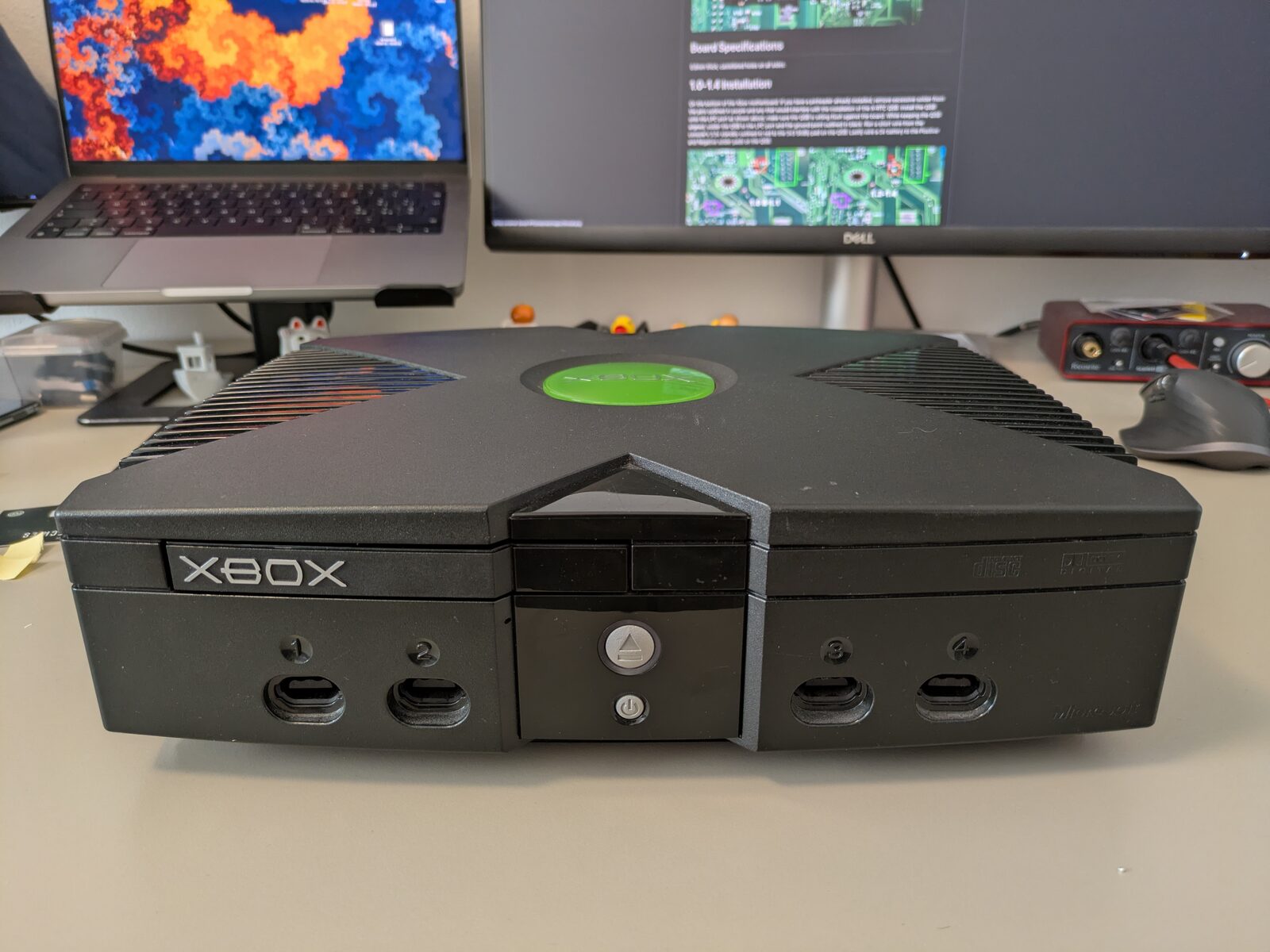
There was a time when Microsoft was the new kid on the block.
It was a simpler time, with less AI, less AI, and less AI.
It was so long ago that CR2032 batteries didn’t exist yet, and Microsoft, with its newborn console, chose to get creative with the Xbox clock retention circuit.
Bad clock capacitors
Ok, maybe CR2032 batteries already existed, but Microsoft actually had the “brilliant” idea of using a capacitor to keep the clock running when the Xbox was unplugged.
Add to that the fact that consumer-grade capacitors from that era were prone to leaking or exploding.
Luckily, the capacitor is easy to replace. You can also remove it entirely without causing any problems.
But…
Fancy
Replacing a simple capacitor is boring!
I want fancy!
Let’s play a game: try to find all the mods in my Xbox by looking at the image below.
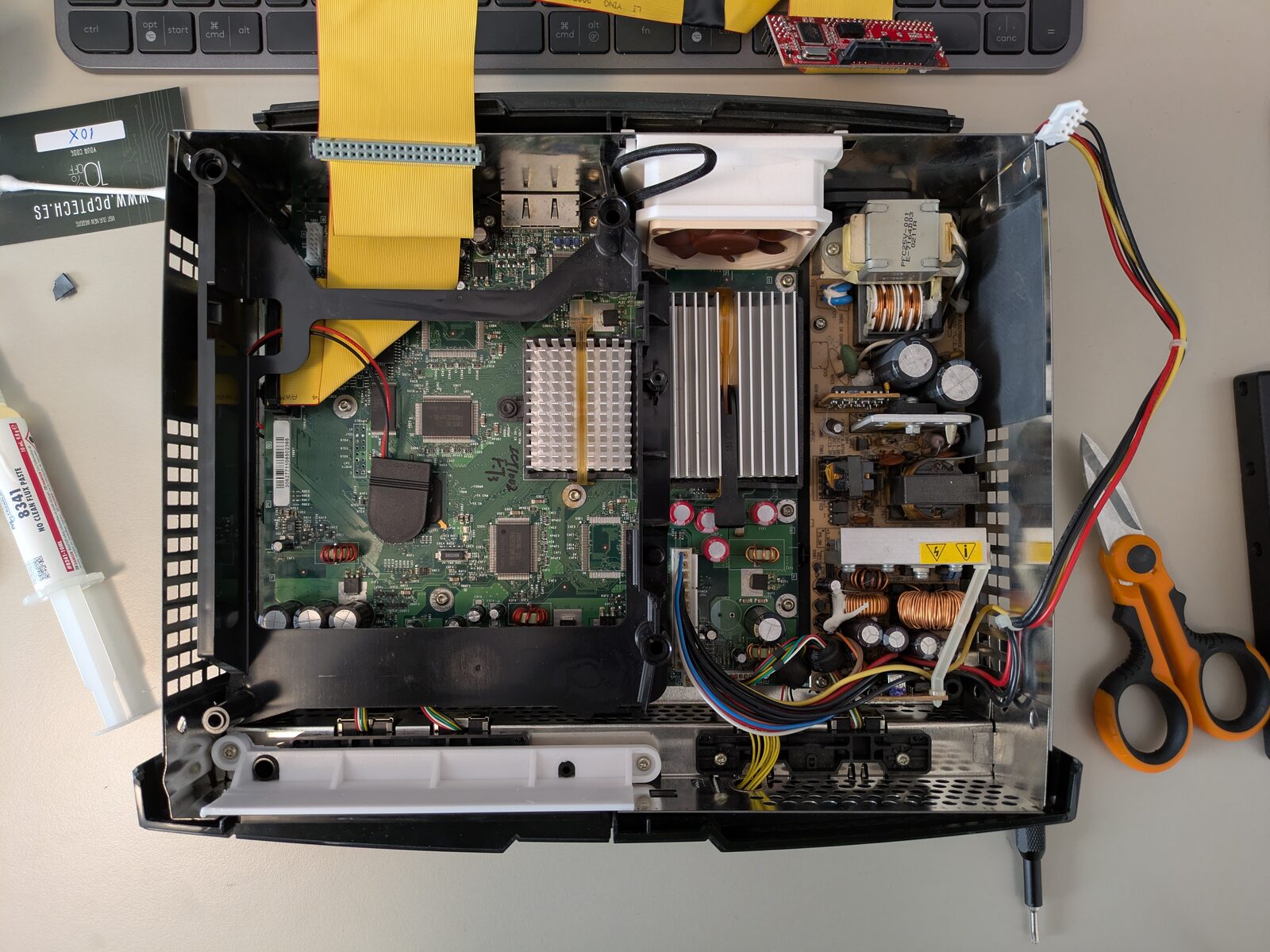
Click here to see the full list of mods
- StarTech IDE-to-SATA adapter
- 1 TB Toshiba HDD
- Custom power cable for the StarTech IDE-to-SATA adapter
- Custom 80-pin ATA cable
- 3D-printed adapter with Noctua fan
- New high-quality CPU capacitors
- TSOP flash (Cerbios)
- 3D-printed DVD elimination kit
Cerbios to rescue
The Cerbios guys came up with a cool idea: a small low-power external circuit that keeps the clock stored, while the BIOS syncs the system clock by communicating with the external board over I2C.
You can find more info about the project here.
The whole process is pretty straightforward for anyone with a bit of soldering experience.

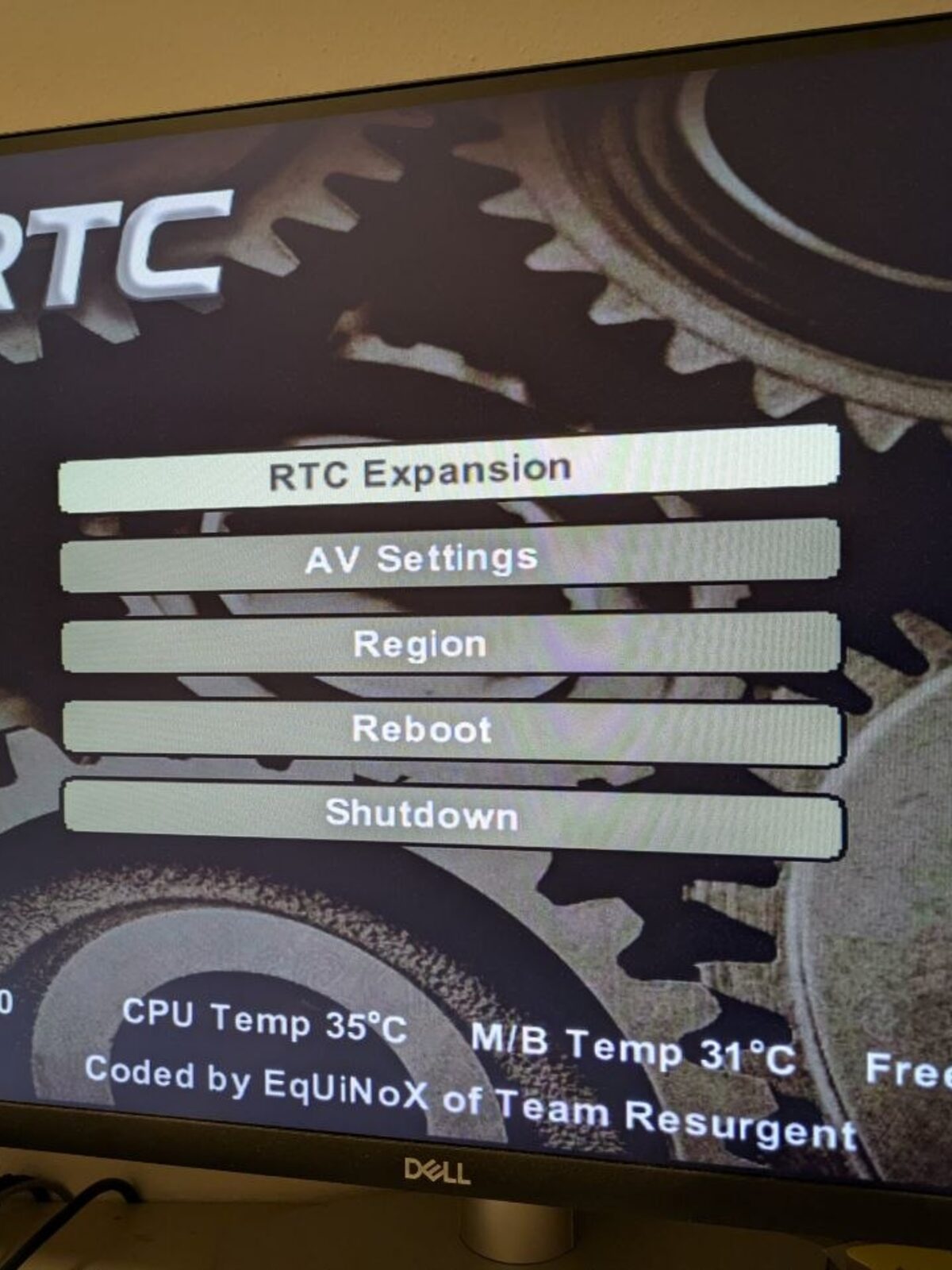
This way, you can keep the Xbox offline, avoid leaking capacitors, and still have save games with the correct date!